

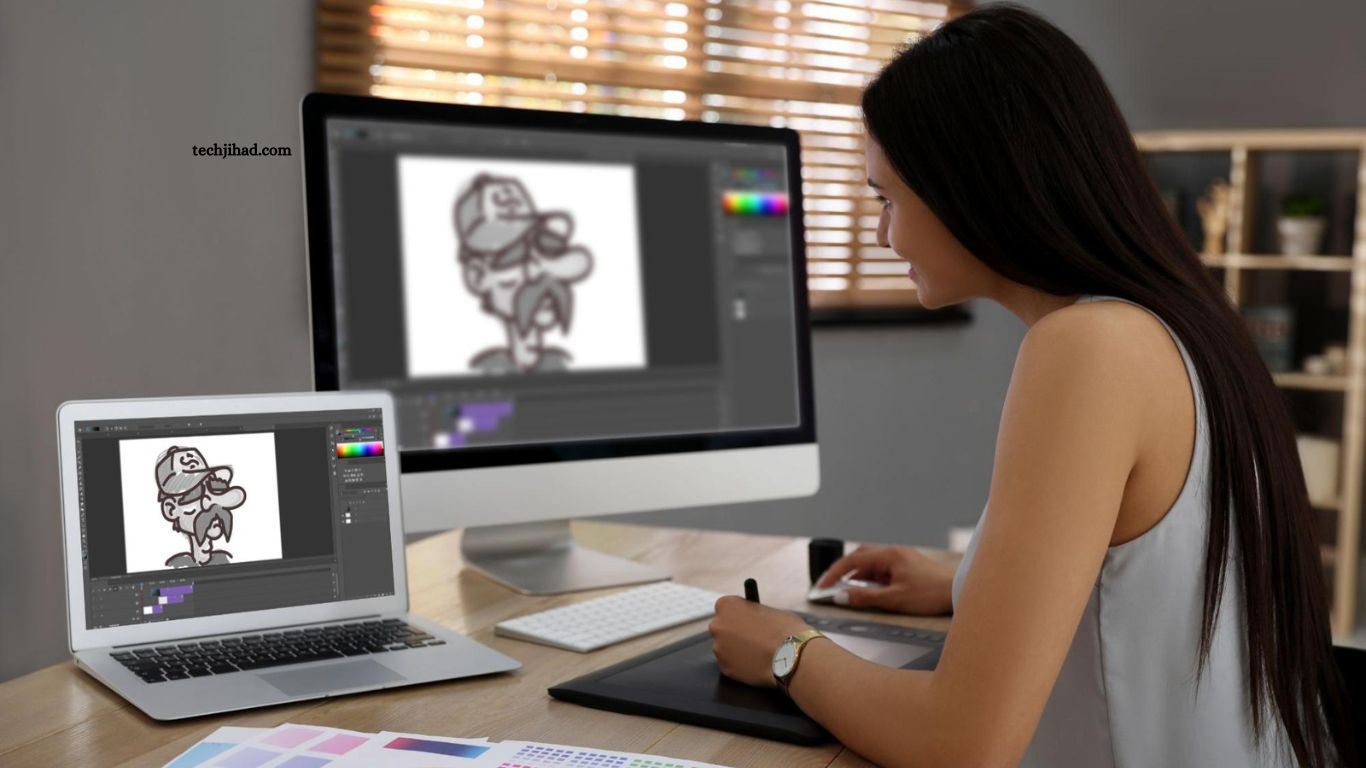
Graphic design plays a powerful role in modern digital communication. Businesses, content creators, marketers, and creative professionals rely on visual content to attract audiences and communicate ideas. Choosing the best graphic design software for beginners and professionals can improve creativity, speed, and overall design quality.
Modern graphic design tools provide flexible features for logo creation, social media graphics, website visuals, illustrations, marketing materials, and professional branding. Beginners need simple interfaces and easy editing options, while experienced designers often require advanced controls, precision, and creative freedom.
Read More: Cloud-Based Software vs Desktop Software: Which Is Better?
Understanding Graphic Design Software
Graphic design software helps users create, edit, and manage visual content through digital tools. These programs support image editing, vector artwork, typography, layouts, illustrations, and visual effects. Many modern platforms also include artificial intelligence features that simplify complex design tasks.
Selecting suitable design software depends on creative goals, skill level, project requirements, and workflow preferences. A beginner may prefer drag-and-drop tools, while a professional designer usually needs detailed customization and advanced editing capabilities.
Adobe Photoshop for Creative Image Editing
Adobe Photoshop remains a popular choice for digital artists, photographers, and professional designers. Its powerful image editing features allow users to create detailed graphics, manipulate photographs, and develop creative visual effects.
The software provides advanced layer management, masking tools, brushes, filters, and typography controls. Beginners can learn essential editing techniques through practice, while professionals can manage complex creative projects with precision.
Photoshop works well for website graphics, promotional designs, digital artwork, social media visuals, and photo editing. Its flexible environment makes it suitable for creative users seeking professional-quality results.
Adobe Illustrator for Vector Graphic Design
Adobe Illustrator focuses on vector-based design and illustration. Designers commonly use it for logos, icons, typography, brand assets, and scalable artwork. Vector graphics maintain excellent quality when resized, making Illustrator valuable for both digital and print projects.
The software offers precise drawing tools, shape controls, color management, and typography features. Beginners may require time to understand its interface, but consistent learning can develop strong professional design skills.
Professional graphic designers often choose Illustrator for branding projects and detailed illustrations because of its accuracy and creative flexibility.
Canva for Beginners and Content Creators
Canva provides a simple design environment for beginners, marketers, students, and content creators. Its drag-and-drop interface makes graphic creation accessible without advanced technical knowledge.
Users can create social media posts, presentations, posters, banners, thumbnails, and marketing visuals. Ready-made templates help users produce attractive designs quickly while maintaining a professional appearance.
Canva also supports team collaboration and cloud-based editing. Its easy interface makes it a practical choice for users who want fast design results without spending months learning complicated software.
CorelDRAW for Professional Vector Projects
CorelDRAW offers professional vector illustration and layout tools. Graphic designers often use it for advertising materials, signage, packaging, logos, and print designs.
Its drawing features provide detailed control over shapes, colors, text, and visual elements. The software supports complex creative projects while maintaining an organized design workflow.
Beginners interested in professional vector design can gradually develop their skills with CorelDRAW. Experienced designers can use its advanced capabilities for commercial and creative work.
Affinity Designer for Flexible Creative Work
Affinity Designer provides powerful graphic design features for vector and raster projects. Its clean interface and smooth performance make it suitable for creative professionals and developing designers.
The software supports illustrations, branding assets, interface designs, icons, and digital artwork. Designers can switch between vector and pixel-based workflows, providing greater creative flexibility.
Affinity Designer can be an attractive option for users seeking professional design capabilities and an efficient working environment.
Figma for Interface and Collaborative Design
Figma has become a widely used platform for interface design and digital product development. Designers use it to create website layouts, mobile application interfaces, prototypes, and design systems.
Cloud-based collaboration allows multiple team members to work on projects simultaneously. This feature supports communication between designers, developers, and project teams.
Beginners interested in UI and UX design can use Figma to understand modern interface design workflows. Professionals benefit from collaboration features and organized project management tools.
Inkscape for Free Vector Graphic Design
Inkscape provides free and open-source vector design capabilities. It supports logo creation, illustrations, icons, diagrams, and scalable graphics.
The software includes drawing tools, shape editing, text controls, and path management. Beginners can explore vector design without purchasing expensive software, while experienced users can create detailed artwork using advanced features.
Inkscape remains a practical choice for students, freelancers, and creative users searching for accessible graphic design software.
Choosing Graphic Design Software Based on Skill Level
Beginners should focus on software that provides a clear interface, learning resources, and simple editing tools. Easy navigation helps new designers understand basic principles such as color balance, typography, spacing, and visual hierarchy.
Professional designers often need advanced customization, file compatibility, accurate controls, and efficient workflows. Software supporting detailed editing and commercial projects can provide greater creative freedom.
Skill development remains more important than relying only on powerful software. Regular practice and creative experimentation can help designers produce better visual content with almost any reliable design tool.
Importance of Graphic Design Software for Modern Businesses
Professional visual design strengthens brand identity and improves audience engagement. Businesses use graphic design software to create logos, advertisements, website graphics, social media content, and marketing campaigns.
High-quality visuals can communicate brand values and create a memorable impression. Reliable design software allows creative teams to maintain visual consistency across multiple platforms.
Small businesses and independent creators can also use beginner-friendly tools to develop professional-looking content without maintaining large design departments.
AI Features in Modern Graphic Design Tools
Artificial intelligence continues to transform graphic design workflows. Modern software can assist with background removal, image enhancement, layout creation, object selection, and creative content generation.
AI-powered features reduce repetitive work and help designers complete projects faster. Beginners can use intelligent tools to simplify editing, while professionals can improve productivity and focus on creative decisions.
Human creativity remains essential because successful graphic design requires original ideas, audience understanding, and visual storytelling.
Frequently Asked Questions
What is the best graphic design software for beginners?
Canva is a popular choice for beginners because of its simple interface, templates, and easy design tools.
Which graphic design software do professionals use?
Professional designers commonly use Adobe Photoshop, Adobe Illustrator, CorelDRAW, Figma, and Affinity Designer.
Is graphic design software difficult to learn?
Basic graphic design software is easy to learn, while advanced tools require regular practice and creative experience.
Can I use free graphic design software?
Yes, free tools such as Inkscape provide useful features for creating vector graphics, logos, and illustrations.
Is Canva suitable for professional graphic design?
Canva works well for social media graphics, marketing content, presentations, and simple professional designs.
Which software is best for logo design?
Adobe Illustrator is widely used for logo design because its vector tools create scalable, high-quality graphics.
Conclusion
Choosing the best graphic design software for beginners and professionals depends on design skills, creative needs, and project goals. Beginner-friendly tools offer simple features and quick results, while advanced software provides greater control and professional editing capabilities. Selecting suitable graphic design software, learning essential design techniques, and practicing regularly can improve creativity, productivity, and overall design quality.
