

Choosing the right software plays a major role in business growth, productivity, and daily operations. Modern organizations and individual users often compare cloud-based software with desktop software before making an investment. Both options deliver valuable features, but each serves different needs depending on accessibility, security, cost, and performance.
Understanding the strengths and limitations of both software models helps users make informed decisions. This guide explains the key differences between cloud-based software and desktop software, making it easier to determine which solution offers the greatest value.
Read More: Best Accounting Software for Small Business Owners
What Is Cloud-Based Software?
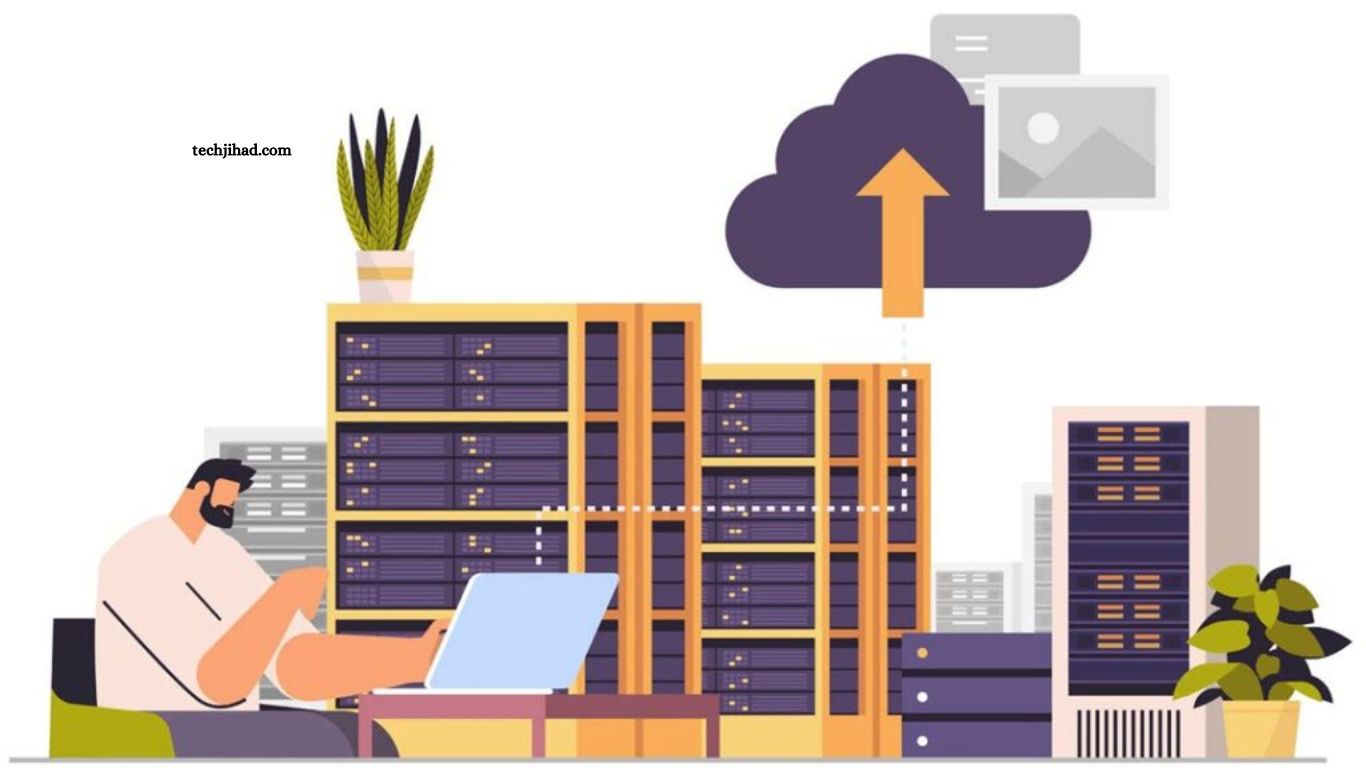
Cloud-based software, also known as Software as a Service (SaaS), operates through the internet instead of installing programs directly on a computer. Users access applications through a web browser or dedicated app while data remains stored on remote servers managed by the software provider.
Popular examples include Google Workspace, Microsoft 365, Salesforce, Dropbox, and Zoom. These applications allow users to work from virtually anywhere with an internet connection. Cloud software continues gaining popularity because it supports remote work, team collaboration, automatic updates, and flexible subscription pricing.
What Is Desktop Software?
Desktop software installs directly onto a computer or laptop. The application stores files locally and performs most operations using the device’s hardware rather than remote servers. Examples include Adobe Photoshop, AutoCAD, Microsoft Office (offline version), QuickBooks Desktop, and VLC Media Player.
Desktop applications remain popular among professionals who require maximum performance, offline access, and complete control over local data.
Accessibility and Flexibility
Cloud-based software offers exceptional accessibility. Users can log in from multiple devices, including laptops, smartphones, and tablets, allowing work to continue from home, the office, or while traveling. Desktop software remains tied to the device where installation occurs. Although some applications provide license transfers, switching devices often requires additional installation and configuration.
Organizations with remote employees generally benefit more from cloud solutions because files remain synchronized across every connected device.
Installation and Maintenance
Cloud software eliminates complex installation procedures. Users simply create an account and begin working through an internet browser. Software providers manage updates, maintenance, security patches, and server performance automatically.
Desktop software requires downloading, installation, licensing, and manual updates. Large organizations often dedicate IT teams to maintain software across multiple computers. Automatic maintenance makes cloud applications attractive for businesses seeking reduced technical overhead.
Performance Comparison
Desktop software usually delivers superior performance for resource-intensive tasks. Video editing, 3D rendering, engineering design, animation, and advanced graphic design depend heavily on local processing power.
Cloud software performs efficiently for document editing, customer relationship management, project management, accounting, communication, and collaboration. However, performance may decline with slow internet connections.
Users handling demanding creative workloads often prefer desktop software because processing occurs locally without internet-related delays.
Data Storage and Security
Cloud software stores information within secure data centers protected through encryption, backups, and advanced cybersecurity measures. Leading providers invest heavily in security infrastructure, making cloud storage reliable for most organizations.
Desktop software stores information directly on local drives. This provides greater physical control but also increases responsibility for backups, hardware protection, and disaster recovery.
Both software types can provide excellent security when managed correctly. Cloud providers simplify security management, while desktop applications offer complete ownership of stored data.
Collaboration Capabilities
Collaboration represents one of the strongest advantages of cloud-based software. Multiple users can access, edit, review, and share documents simultaneously without creating duplicate files.
Desktop software traditionally limits collaboration because files often require manual sharing through email or external storage devices. Modern desktop applications have improved collaboration features, but cloud platforms remain the preferred choice for real-time teamwork. Businesses with distributed teams typically achieve higher productivity using cloud applications.
Cost Considerations
Cloud software generally follows a monthly or annual subscription model. Lower upfront investment allows businesses to scale according to current needs. Maintenance, updates, hosting, and customer support often remain included within the subscription fee.
Desktop software frequently requires a one-time purchase or perpetual license. Although initial costs may appear higher, long-term ownership can become more economical for users who rarely require upgrades.
Budget planning should consider licensing, maintenance, hardware requirements, technical support, and future expansion.
Internet Dependency
Cloud software depends on a stable internet connection. Limited connectivity may reduce functionality or prevent access altogether, although many providers now support offline modes for selected features.
Desktop software operates independently after installation. Users continue working even without internet access, making desktop applications valuable for locations with unreliable connectivity. Professionals working in remote areas often appreciate the reliability of desktop software.
Software Updates
Cloud applications update automatically in the background. Users immediately receive new features, performance improvements, and security enhancements without additional effort.
Desktop software may require manual installation of updates or purchasing newer versions. Delayed updates can expose systems to compatibility issues or security vulnerabilities. Automatic updates help cloud users remain current with minimal interruption.
Scalability for Growing Businesses
Growing organizations require software capable of expanding alongside business operations. Cloud-based platforms simplify scaling by allowing additional users, storage, and features without replacing existing infrastructure.
Desktop software often demands additional licenses, hardware upgrades, and manual deployment across every computer. Cloud infrastructure offers greater flexibility for businesses experiencing continuous growth.
Which Software Is Better?
The answer depends entirely on user requirements. Cloud-based software provides outstanding flexibility, collaboration, automatic maintenance, and accessibility. Businesses embracing remote work or managing multiple locations often achieve greater efficiency through cloud solutions.
Desktop software remains the preferred option for professionals requiring maximum speed, offline functionality, advanced processing capabilities, and complete control over local data. Neither option universally outperforms the other. Selecting software based on workflow, budget, security requirements, and long-term business goals produces the best results.
Frequently Asked Questions
What is cloud-based software?
Cloud-based software runs online and allows users to access applications through an internet connection without installing them on a computer.
What is desktop software?
Desktop software installs directly on a computer and works primarily using the device’s local hardware and storage.
Which is more secure: cloud or desktop software?
Both can be secure. Cloud software offers advanced managed security, while desktop software provides full control over local data.
Can cloud-based software work offline?
Some cloud applications offer limited offline features, but most functions require an internet connection.
Which software is better for businesses?
Cloud-based software is ideal for businesses that need remote access, team collaboration, and easy scalability.
Which software is better for high-performance tasks?
Desktop software is better for demanding tasks like video editing, 3D design, and engineering because it uses local computer resources.
Conclusion
Cloud-based software and desktop software each offer unique advantages depending on your needs. Cloud solutions provide flexibility, remote access, automatic updates, and seamless collaboration, making them ideal for modern businesses and distributed teams. Desktop software delivers powerful performance, reliable offline access, and greater control over local data, making it a strong choice for resource-intensive tasks.
