

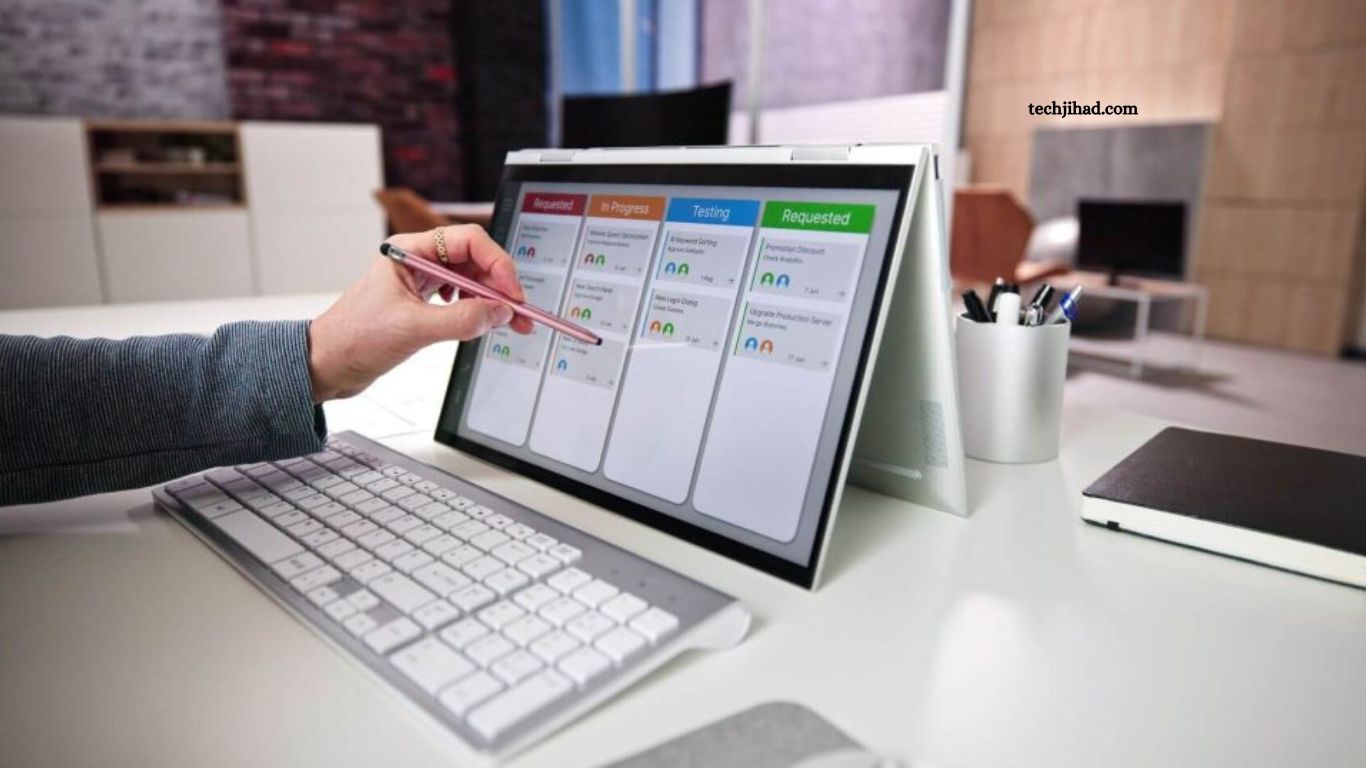
Project management software has become an essential business tool for organizations of every size. Modern teams manage multiple projects, deadlines, clients, and remote collaboration every day. Without the right platform, communication gaps, missed deadlines, and reduced productivity quickly become common challenges.
Choosing the best project management software helps teams organize tasks, improve collaboration, monitor progress, and complete projects faster. This guide explores the top project management software solutions that can significantly boost team productivity while simplifying daily workflows.
Read More: Best Software for Small Businesses in 2026
Why Project Management Software Matters
Successful projects require planning, communication, accountability, and transparency. Project management software brings every aspect of a project into one centralized workspace.
Key benefits include:
- Better task organization
- Real-time collaboration
- Improved deadline tracking
- Clear project visibility
- Efficient resource management
- Reduced manual work
- Faster decision-making
Businesses using project management tools often experience higher productivity, stronger teamwork, and better project outcomes.
Features Every Great Project Management Software Should Include
Before selecting a platform, evaluate essential features that directly improve productivity.
Task Management
Task creation, assignment, priority levels, due dates, recurring tasks, and progress tracking keep projects organized.
Team Collaboration
Built-in messaging, file sharing, comments, mentions, and notifications improve communication without relying on lengthy email chains.
Project Planning
Timeline views, Kanban boards, Gantt charts, calendars, and workload management simplify planning and execution.
Time Tracking
Time monitoring helps teams understand productivity, estimate future work, and improve project budgeting.
Automation
Workflow automation reduces repetitive administrative tasks, allowing employees to focus on valuable work.
Reporting
Dashboards and reports provide real-time insights into project performance, deadlines, workloads, and team productivity.
Third-Party Integrations
Connections with communication platforms, cloud storage, CRM systems, and accounting software create a seamless workflow.
Top Project Management Software for Team Productivity
Asana
Asana remains one of the most popular project management platforms for businesses seeking flexibility and ease of use.
Best For
- Marketing teams
- Creative agencies
- Remote teams
- Growing businesses
Key Features
- Multiple project views
- Task dependencies
- Workflow automation
- Timeline planning
- Goal tracking
- Team collaboration
Advantages
- Clean interface
- Easy onboarding
- Excellent automation
- Strong integrations
- Scalable pricing
Limitations
- Advanced features require premium plans.
- Large projects may require additional customization.
Trello
Trello offers a visual Kanban-style approach that simplifies project organization.
Best For
- Small businesses
- Freelancers
- Startup teams
- Personal productivity
Key Features
- Drag-and-drop boards
- Custom workflows
- Checklists
- Labels
- Power-Ups
- Mobile application
Advantages
- Beginner-friendly
- Fast setup
- Excellent visual interface
- Affordable pricing
Limitations
- Limited reporting
- Basic resource management
Monday.com
Monday.com combines project management with workflow automation and business process management.
Best For
- Medium businesses
- Enterprise teams
- Cross-functional departments
Key Features
- Visual dashboards
- Automation recipes
- Resource allocation
- Workload management
- Time tracking
- Custom workflows
Advantages
- Highly customizable
- Excellent reporting
- Strong collaboration tools
- Modern interface
Limitations
- Premium pricing
- Learning curve for advanced customization
ClickUp
ClickUp has become a favorite because it combines numerous productivity tools within one platform.
Best For
- Software companies
- Agencies
- Large organizations
- Multi-department teams
Key Features
- Documents
- Whiteboards
- Goals
- Mind maps
- Time tracking
- Automation
- AI-powered productivity tools
Advantages
- Feature-rich platform
- Affordable plans
- High customization
- Multiple project views
Limitations
- Interface may appear overwhelming for new users.
Jira
Jira remains the industry standard for software development and Agile project management.
Best For
- Development teams
- Scrum teams
- DevOps
- Agile organizations
Key Features
- Sprint planning
- Backlog management
- Issue tracking
- Roadmaps
- Release management
- Custom workflows
Advantages
- Powerful Agile capabilities
- Advanced reporting
- Extensive integrations
- Enterprise scalability
Limitations
- Complex setup
- Less suitable for non-technical teams
Wrike
Wrike delivers powerful project management features for organizations managing multiple projects simultaneously.
Best For
- Enterprise companies
- Marketing departments
- Professional services
Key Features
- Custom dashboards
- Workload management
- Approval workflows
- Resource planning
- Time tracking
- Reporting
Advantages
- Enterprise-grade security
- Strong analytics
- Excellent collaboration
- Flexible workflows
Limitations
- Premium features increase overall cost.
Notion
Notion combines documentation, project management, note-taking, and collaboration into one workspace.
Best For
- Startups
- Content teams
- Knowledge management
- Small businesses
Key Features
- Databases
- Wikis
- Project boards
- Templates
- Task management
- Collaborative editing
Advantages
- Highly flexible
- Beautiful interface
- Powerful documentation
- Affordable pricing
Limitations
- Advanced project reporting remains limited.
Basecamp
Basecamp focuses on simple collaboration rather than overwhelming users with complex features.
Best For
- Client projects
- Small agencies
- Remote collaboration
Key Features
- Message boards
- To-do lists
- Group chat
- Scheduling
- File storage
- Automatic check-ins
Advantages
- Simple interface
- Minimal learning curve
- Excellent communication tools
Limitations
- Limited advanced project planning.
Comparison Table
| Software | Best For | Free Plan | Automation | Time Tracking | Ease of Use |
|---|---|---|---|---|---|
| Asana | Marketing Teams | Yes | Excellent | Limited | Excellent |
| Trello | Small Teams | Yes | Good | Limited | Excellent |
| Monday.com | Business Teams | Limited | Excellent | Yes | Very Good |
| ClickUp | Growing Businesses | Yes | Excellent | Yes | Very Good |
| Jira | Developers | Yes | Excellent | Yes | Moderate |
| Wrike | Enterprise | Limited | Excellent | Yes | Good |
| Notion | Documentation | Yes | Basic | Limited | Excellent |
| Basecamp | Collaboration | Trial | Basic | No | Excellent |
How to Choose the Right Project Management Software
Every organization has different requirements. Consider several important factors before making a decision.
Team Size
Small teams benefit from simple platforms like Trello or Basecamp, while enterprise organizations often require advanced solutions like Wrike or Monday.com.
Budget
Many platforms provide generous free plans suitable for startups. Growing businesses can upgrade as project complexity increases.
Workflow Requirements
Development teams often prefer Jira, while marketing departments usually find Asana or ClickUp more suitable.
Integration Needs
Ensure compatibility with existing business tools such as communication platforms, cloud storage, CRM software, and accounting systems.
Ease of Adoption
A user-friendly interface reduces training time and encourages faster adoption across the organization.
Tips to Maximize Team Productivity
Project management software delivers the best results when paired with effective management practices.
- Create clear project objectives.
- Assign responsibilities carefully.
- Set realistic deadlines.
- Automate repetitive tasks.
- Track project progress regularly.
- Review performance reports frequently.
- Encourage transparent communication.
- Update project information consistently.
- Archive completed projects.
- Train team members on platform features.
These practices improve collaboration while reducing confusion across projects.
Common Mistakes to Avoid
Many organizations fail to maximize software value because of avoidable mistakes.
- Choosing unnecessary features
- Ignoring employee training
- Poor task organization
- Lack of workflow automation
- Inconsistent project updates
- Overcomplicated project structures
- Limited communication
- Missing progress reviews
Avoiding these issues creates a smoother project management experience.
Future Trends in Project Management Software
Technology continues to transform project management through smarter automation and collaboration.
Emerging trends include:
- AI-powered task recommendations
- Predictive project analytics
- Intelligent workflow automation
- Enhanced remote collaboration
- Advanced workload balancing
- Real-time performance insights
- Voice-assisted project management
- Improved cybersecurity features
Organizations adopting modern platforms gain a competitive advantage through faster execution and better resource management.
Frequently Asked Questions
What is project management software?
Project management software helps teams organize tasks, track progress, and collaborate efficiently.
Which project management tool is best for beginners?
Trello is a great choice because of its simple, user-friendly interface.
Can small businesses use free project management software?
Yes, many tools offer free plans with enough features for small teams.
Does project management software improve team productivity?
Yes, it streamlines workflows, improves communication, and keeps projects on schedule.
Which project management software is best for remote teams?
Asana, ClickUp, and Monday.com are excellent options for remote collaboration.
What features should I look for in project management software?
Choose software with task management, team collaboration, automation, reporting, and integration features.
Conclusion
Project management software plays a vital role in improving collaboration, increasing efficiency, and helping teams achieve project goals. Selecting the right platform depends on team size, workflow complexity, budget, and business objectives. For simplicity and visual organization, Trello remains an excellent option. Asana delivers outstanding flexibility for collaborative teams, while ClickUp offers an all-in-one productivity solution packed with advanced features.
