

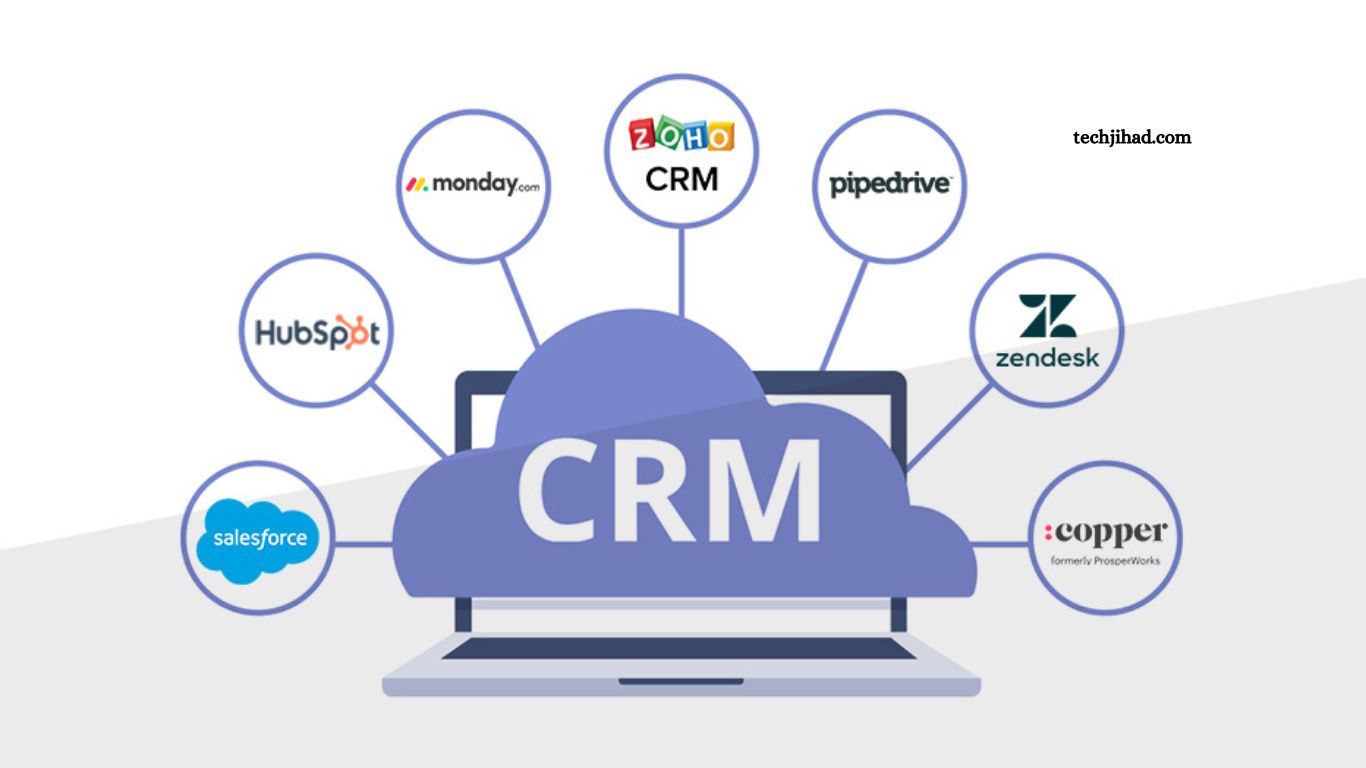
Customer relationships drive every successful business. Whether you run a startup, small business, or large enterprise, managing customer interactions efficiently helps increase sales, improve support, and build long-term loyalty. Customer Relationship Management (CRM) software makes this process simple by organizing customer information,
Tracking communication, automating tasks, and providing valuable business insights. This guide explores the top CRM software to improve customer relationships, including key features, benefits, and factors to consider before choosing the right platform.
Read More: How to Choose the Right Software for Your Business
What Is CRM Software?
CRM software is a business solution designed to manage customer data, sales activities, marketing campaigns, and customer support from one centralized platform.
Instead of relying on spreadsheets or scattered information, businesses can store customer records, monitor interactions, schedule follow-ups, and automate repetitive tasks. The result is stronger customer relationships, higher productivity, and increased revenue.
Why CRM Software Matters
Modern customers expect personalized communication and quick responses. CRM software helps businesses meet these expectations by providing complete customer insights.
Benefits include:
- Better customer communication
- Faster response times
- Organized customer database
- Improved sales performance
- Marketing automation
- Higher customer retention
- Better team collaboration
- Accurate sales forecasting
- Increased productivity
- Data-driven decision making
Top CRM Software to Improve Customer Relationships
Salesforce CRM
Salesforce remains one of the most powerful CRM solutions available today. Businesses of every size use Salesforce because of its flexibility, automation, and advanced analytics.
Key Features
- AI-powered insights
- Sales automation
- Marketing automation
- Customer service management
- Workflow automation
- Custom dashboards
- Mobile application
- Third-party integrations
Best For
- Large businesses
- Growing companies
- Enterprise organizations
Pros
- Highly customizable
- Excellent reporting
- Strong automation
- Massive integration library
Cons
- Higher pricing
- Learning curve for beginners
HubSpot CRM
HubSpot CRM offers a user-friendly interface with many free features, making it an excellent choice for startups and small businesses.
Key Features
- Contact management
- Email tracking
- Live chat
- Meeting scheduler
- Sales pipeline management
- Marketing automation
- Customer service tools
Best For
- Small businesses
- Startups
- Marketing teams
Pros
- Free plan available
- Easy setup
- Clean interface
- Excellent marketing tools
Cons
- Premium features become expensive
Zoho CRM
Zoho CRM combines affordability with powerful automation, making it popular among small and medium-sized businesses.
Key Features
- Lead management
- Workflow automation
- Sales forecasting
- AI assistant
- Omnichannel communication
- Email marketing
- Analytics dashboard
Best For
- Small businesses
- Medium-sized companies
Pros
- Budget-friendly
- Strong automation
- Good customization
- AI capabilities
Cons
- Interface may require adjustment
Microsoft Dynamics 365
Microsoft Dynamics 365 combines CRM and ERP functionality into one business platform.
Key Features
- Customer insights
- AI recommendations
- Sales automation
- Customer support
- Business analytics
- Office 365 integration
- Power BI reporting
Best For
- Large organizations
- Microsoft ecosystem users
Pros
- Excellent Microsoft integration
- Advanced analytics
- Enterprise-grade security
Cons
- Premium pricing
- Complex implementation
Pipedrive
Pipedrive focuses primarily on sales pipeline management with an intuitive visual interface.
Key Features
- Sales pipeline tracking
- Deal management
- Workflow automation
- Email integration
- Activity reminders
- Reporting dashboard
Best For
- Sales teams
- Small businesses
Pros
- Easy navigation
- Fast implementation
- Excellent pipeline visualization
Cons
- Limited marketing features
Freshsales CRM
Freshsales provides AI-powered customer relationship management with an emphasis on automation and sales productivity.
Key Features
- AI lead scoring
- Email tracking
- Built-in phone
- Sales automation
- Customer activity timeline
- Reporting
Best For
- Growing businesses
- Sales-focused organizations
Pros
- Affordable pricing
- AI features
- Built-in communication tools
Cons
- Limited advanced customization
Monday CRM
Monday CRM simplifies customer management through visual workflows and customizable dashboards.
Key Features
- Lead tracking
- Sales automation
- Custom workflows
- Dashboard reporting
- Team collaboration
- Email integration
Best For
- Teams managing multiple projects
- Growing businesses
Pros
- Modern interface
- Easy customization
- Strong collaboration tools
Cons
- Advanced automation requires higher plans
Essential CRM Features
Before selecting CRM software, evaluate these important features:
Contact Management
A centralized customer database stores names, contact information, communication history, purchase records, and preferences.
Sales Automation
Automation reduces manual work by assigning leads, scheduling follow-ups, sending reminders, and updating records automatically.
Marketing Automation
Marketing tools help businesses create email campaigns, segment audiences, nurture leads, and measure campaign performance.
Customer Support
Integrated support systems improve response times through ticket management, chat, knowledge bases, and service history.
Reporting and Analytics
Detailed reports reveal sales trends, customer behavior, team performance, and business growth opportunities.
Mobile Access
Mobile CRM applications allow sales representatives to update records and access customer information from anywhere.
Third-Party Integrations
Integration with accounting software, email platforms, payment gateways, and marketing tools improves workflow efficiency.
Benefits of CRM Software
Businesses using CRM software often experience measurable improvements.
Improved Customer Satisfaction
Quick responses and personalized communication create positive customer experiences.
Better Lead Management
Sales teams can prioritize qualified leads and increase conversion rates.
Increased Revenue
Automation and better sales tracking help businesses close more deals.
Stronger Team Collaboration
Departments share customer information, reducing communication gaps.
Higher Customer Retention
Consistent follow-ups and personalized service encourage repeat business.
Time Savings
Automation reduces repetitive administrative work, allowing employees to focus on customers.
How to Choose the Right CRM Software
Selecting the best CRM depends on your business goals.
Consider these factors:
- Business size
- Budget
- Ease of use
- Automation features
- Integration capabilities
- Customer support
- Mobile accessibility
- Security features
- Reporting tools
- Scalability
Always test free trials before making a long-term investment.
CRM Implementation Best Practices
Successful CRM implementation requires planning.
Follow these recommendations:
- Define business objectives
- Train employees thoroughly
- Import clean customer data
- Automate repetitive workflows
- Monitor adoption rates
- Review performance regularly
- Update customer information consistently
These practices maximize return on investment and improve long-term adoption.
Future Trends in CRM Software
CRM technology continues evolving with artificial intelligence and automation.
Emerging trends include:
- AI-powered customer insights
- Predictive analytics
- Conversational chatbots
- Voice-enabled CRM
- Hyper-personalization
- Advanced workflow automation
- Deeper integration with collaboration platforms
- Enhanced data security
- Real-time analytics
Businesses adopting these innovations gain a competitive advantage through better customer engagement and smarter decision-making.
Frequently Asked Questions
What is CRM software?
CRM software helps businesses manage customer information, sales, and communication in one place.
Why is CRM important?
CRM improves customer relationships, boosts sales, and increases customer satisfaction.
Which CRM is best for small businesses?
HubSpot CRM and Zoho CRM are popular choices because they are affordable and easy to use.
Can CRM software increase sales?
Yes. CRM helps track leads, automate follow-ups, and improve conversion rates.
Is CRM software suitable for startups?
Yes. Many CRM platforms offer free or low-cost plans designed for startups and growing businesses.
How do I choose the right CRM?
Compare features, pricing, ease of use, integrations, and scalability based on your business needs.
Conclusion
Choosing the right CRM software can transform the way your business manages customer relationships. Whether you need an enterprise-level solution like Salesforce, a beginner-friendly platform like HubSpot CRM, a cost-effective option like Zoho CRM, or a sales-focused tool like Pipedrive, the best CRM depends on your business size, goals, and budget.
