

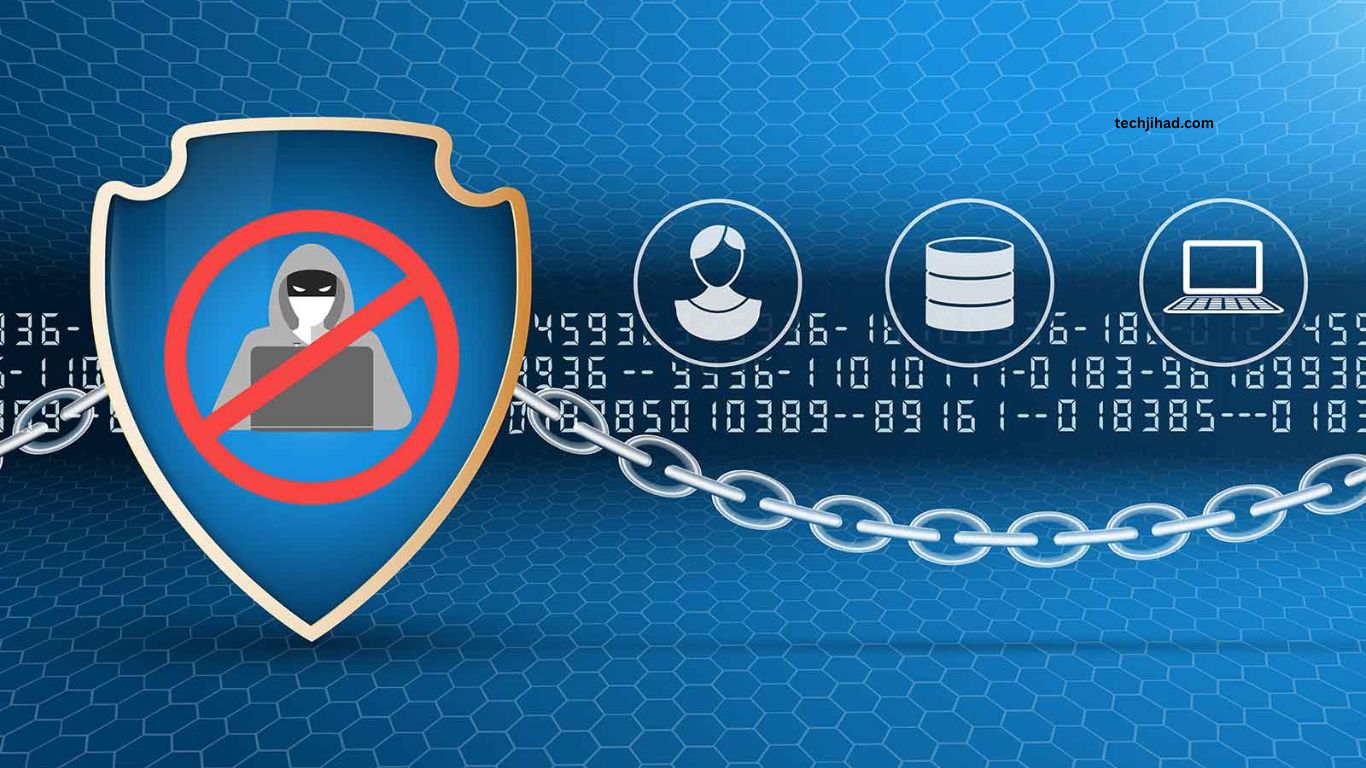
Strong password security has become essential as cyberattacks, data breaches, phishing scams, and account takeovers continue to increase. Weak or reused passwords can give hackers an easy path into email accounts,
Social media profiles, banking services, and personal data. Learning effective password security tips helps protect online accounts and reduces the risk of unauthorized access.
Read More: How to Protect Your Personal Information Online
Why Password Security Matters
Passwords remain one of the most common ways people protect their digital accounts. Unfortunately, many users still choose simple passwords, reuse the same password across multiple websites, or share login information with others.
Once hackers obtain one password, they may try it across different platforms. This technique, known as credential stuffing, can compromise several accounts connected to the same password. Strong password habits create an important security barrier between personal information and cybercriminals.
Create Long and Strong Passwords
Password length plays an important role in account security. Longer passwords generally provide stronger protection against automated guessing and brute-force attacks.
A secure password should contain a combination of uppercase letters, lowercase letters, numbers, and special characters. Avoid predictable information such as names, birthdays, phone numbers, usernames, or common words.
Instead of creating short and complicated passwords that become difficult to remember, consider using a long passphrase made from several unrelated words. A unique passphrase can provide strong security while remaining easier to remember.
Never Reuse Passwords
Using the same password for multiple accounts creates a major security risk. If one website suffers a data breach, attackers may obtain your password and attempt to use it on other services.
Every important account should have its own unique password. Email, banking, social media, cloud storage, and business accounts deserve special attention because unauthorized access could expose sensitive information.
Use a Trusted Password Manager
Remembering dozens of unique passwords can be difficult. A reputable password manager can solve this problem by securely storing login credentials and generating strong passwords when needed.
A password manager allows users to maintain different passwords for different accounts without memorizing every credential. The master password protecting the password manager should be extremely strong and never reused elsewhere.
Enable Multi-Factor Authentication
Strong passwords provide valuable protection, but adding another authentication method can make accounts significantly harder to compromise. Multi-factor authentication requires an additional verification step after entering a password.
Depending on the service, this second factor may involve an authentication app, security key, biometric verification, or one-time code. When available, enabling multi-factor authentication adds another security layer if a password becomes exposed.
Avoid Passwords Based on Personal Information
Hackers can sometimes find personal information through social media profiles, public websites, or previous data breaches. Using information such as a pet’s name, favorite sports team, birth date, or family member’s name can make passwords easier to guess.
Choose password combinations that have no obvious connection to your personal life. Randomly generated passwords usually provide better protection than predictable personal information.
Be Careful With Phishing Attacks
Even the strongest password cannot fully protect an account if login credentials are voluntarily entered into a fake website. Phishing attacks often use emails, messages, advertisements, or websites designed to imitate legitimate services.
Before entering a password, carefully check the website address and make sure the page belongs to the genuine service. Avoid clicking suspicious login links received through unexpected emails or messages.
Change Compromised Passwords Quickly
Changing passwords regularly without a specific reason is not always necessary when strong, unique passwords are already being used. However, a password should be changed immediately if there is evidence that it has been exposed, stolen, or used without permission.
Pay particular attention to security alerts from email providers, financial services, and other important platforms. If a password appears in a known data breach, replace it with a completely new password.
Protect Your Email Account
Your primary email account deserves extra protection because it may be connected to password-reset systems for many other services. If hackers gain access to your email, they may be able to reset passwords for other accounts.
Use a unique, strong password for your email account and enable multi-factor authentication whenever possible. Review account recovery information and security settings periodically to make sure everything remains under your control.
Avoid Saving Passwords on Shared Devices
Saving passwords on public or shared computers can expose your accounts to unauthorized users. Always sign out after using an account on a device that other people can access.
For personal devices, use a trusted password manager or secure browser password storage protected by a device lock. Keep operating systems, browsers, and security software updated to reduce other security risks.
Monitor Your Accounts for Suspicious Activity
Strong password security should be combined with regular account monitoring. Unexpected login notifications, password-reset emails, unfamiliar devices, or unusual account activity can indicate unauthorized access.
If something appears suspicious, secure the affected account immediately. Change the password, remove unfamiliar sessions or devices, enable multi-factor authentication, and review recent activity.
Frequently Asked Questions
What makes a password secure?
A secure password is long, unique, difficult to guess, and unrelated to personal information.
Should I use the same password for multiple accounts?
No. Use a different password for every important account to limit damage after a security breach.
Is a password manager safe?
A reputable password manager can securely store passwords and help create strong, unique credentials.
Why should I enable multi-factor authentication?
Multi-factor authentication adds another security layer, making unauthorized account access more difficult.
How often should I change my password?
Change a password immediately if it has been exposed, compromised, or involved in a data breach.
Can strong passwords prevent hacking?
Strong passwords significantly reduce account takeover risks, especially when combined with multi-factor authentication and phishing awareness.
Conclusion
Effective password security starts with simple but consistent habits. Use long and unique passwords, avoid password reuse, protect your email account, use a reputable password manager, enable multi-factor authentication, and stay alert for phishing attempts. These practices can significantly reduce the chances of account compromise and help keep personal information safer online. As cyber threats continue to evolve, strong password habits remain one of the most practical ways to improve online security.
