

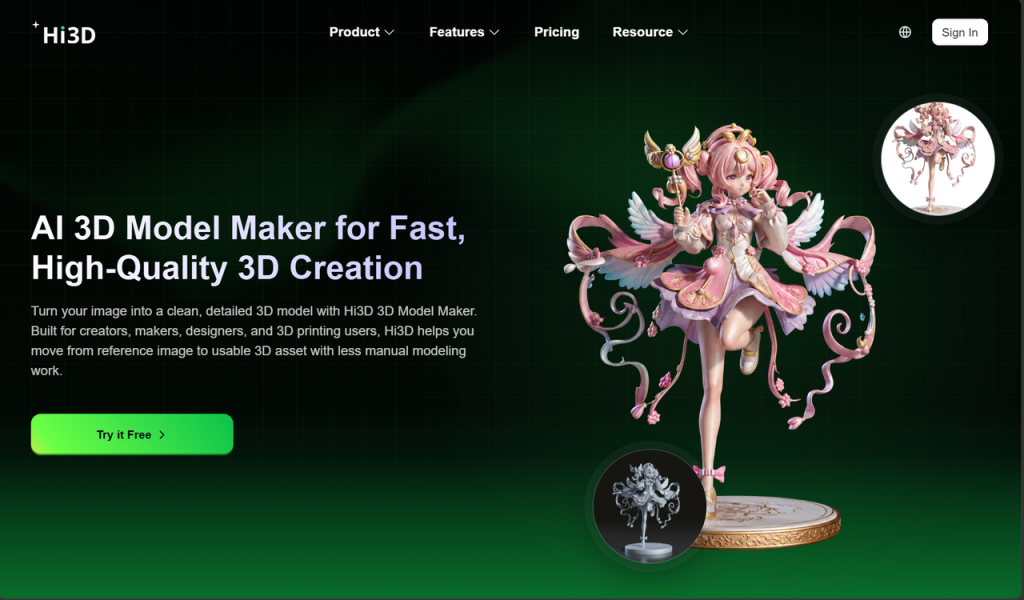
3D printing is no longer limited to professional designers or industrial production. Today, more creators are using 3D printers to produce personalized objects, creative models, prototypes, and physical designs. However, as more people enter the world of 3D printing, a new challenge has become increasingly obvious: creating a model that can actually be printed is often more difficult than printing itself.
AI has changed the first stage of 3D creation by making model generation faster and more accessible. But a successful printing experience requires more than generating a digital file. Users still need to improve details, prepare textures, separate complex structures, arrange models, and adjust files before printing.
Hi3D focuses on solving this complete process. Instead of acting only as an AI generation tool, Hi3D connects model creation with real printing preparation. From converting images and text ideas into 3D models to enhancing textures, preparing multi-color printing, splitting models, and optimizing layouts, Hi3D helps creators move from imagination to physical objects more smoothly.
1. The New Challenge of AI 3D Printing: Creating Models Is Only the First Step
The growth of AI has lowered the barrier to creating 3D models, but many users discover that model generation is only the beginning of the workflow.A model that looks complete on a screen may still require additional preparation before it can become a successful print. This is especially true for beginners who are unfamiliar with modeling software, as well as experienced makers who want to reduce repetitive preparation work.
Hi3D is designed around these practical challenges, helping different types of users overcome the gap between digital creativity and physical production.
1.1 Different Users Face Different Problems Before Printing
For new users, traditional 3D modeling can feel overwhelming. Professional software often requires knowledge of sculpting, topology, mesh editing, and other technical skills.Many beginners have creative ideas but struggle with the first step: turning those ideas into a usable 3D model.
1.1.1 Beginners need easier ways to create printable models
An AI-assisted 3D model maker workflow provides a simpler starting point. Instead of building every element manually, users can begin with images, descriptions, or creative concepts and let AI assist with the initial creation process.
Hi3D helps make 3D creation more approachable by reducing unnecessary technical steps and allowing users to focus more on what they want to create.
1.1.2 Experienced makers need a faster path from model to print
For experienced creators, the challenge is often different. They may already know how to create models, but preparing those models for printing can still require significant time.Tasks such as repairing models, adjusting structures, separating parts, and preparing print layouts can slow down the creative process.A complete 3D model maker online workflow should not stop after generating a model. It should also consider what happens before the printer starts working.
Hi3D focuses on this complete process by combining AI creation with practical printing preparation tools.
2. Transform Creative Ideas into 3D Models with Hi3D’s AI Generation Workflow
The first challenge in 3D printing is always creation. Users may have an image, a concept, or a written idea, but transforming that inspiration into a three-dimensional object traditionally requires professional modeling experience.
Hi3D provides a more direct way to begin the creation process.
2.1 Turning Images into Three-Dimensional Objects
Many creative projects start with images. A photo, illustration, or design reference can contain the entire idea behind a future object.
However, a 2D image only shows one perspective, while a 3D model requires structure, depth, and complete geometry.
2.1.1 From visual inspiration to printable models
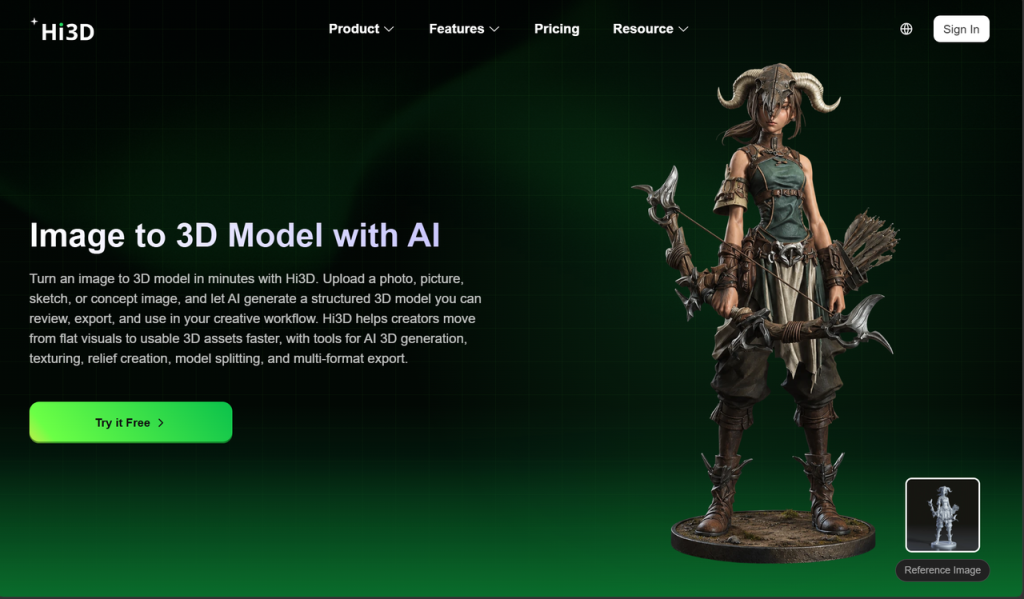
With image to 3D model AI workflows, Hi3D helps users transform visual references into three-dimensional creations.
Instead of manually rebuilding a design from scratch, creators can use existing images as a starting point and continue developing the generated model toward a printable result.This approach is useful for creators who want to explore personalized designs, creative objects, and physical versions of digital ideas.
2.1.2 Creating models from text-based concepts
Not every idea starts with an image. Sometimes creators only have a description in mind.
Text-based generation provides another creative pathway by allowing users to describe an idea and develop a model based on that concept.This reduces the distance between imagination and creation, especially for users who want to quickly test different ideas before moving into detailed design work.
2.2 Making AI Creation More Accessible
Traditional modeling requires users to learn complex tools before they can create their first object.AI changes this process by allowing creators to begin with simple inputs instead of complicated modeling operations.
2.2.1 Reducing the learning curve of 3D modeling
Hi3D works as an accessible AI 3D model maker solution, helping users explore 3D creation without needing extensive professional experience from the beginning.The goal is not simply to generate more models, but to help more people successfully create objects that can continue into the printing stage.
3. Improve Model Quality with AI Texture Generation
Creating the shape of a model is only one part of the creative process. The appearance of a 3D object is also influenced by its surface details, colors, and overall visual style.For many creators, adding textures manually can become another technical challenge after model generation.
Hi3D helps simplify this stage by providing AI-assisted texture creation capabilities.
3.1 Adding More Detail and Style to AI Models
A basic model may have the correct structure but still lack the visual details needed to create an impressive final object.
3.1.1 Creating richer surfaces with AI assistance
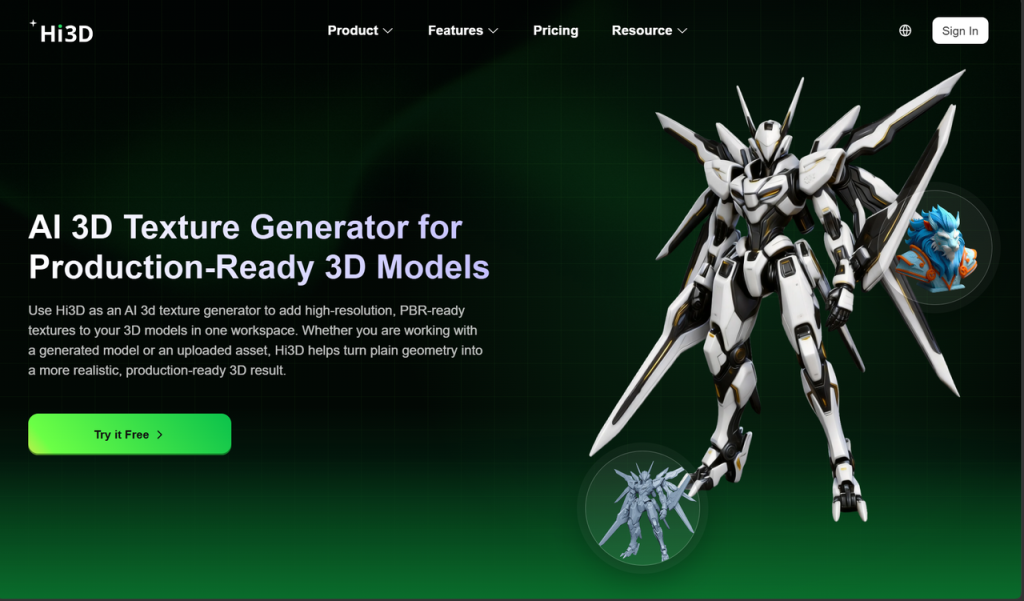
Through AI 3D texture generator technology, Hi3D helps users enhance model surfaces and explore different visual styles more efficiently.AI-assisted texture creation allows creators to spend less time on repetitive editing and more time refining their creative direction.
3.1.2 Connecting digital design with physical results
Textures are especially important for creators producing display models, characters, and visually detailed objects.
However, digital appearance must also work together with practical printing requirements.Hi3D focuses on making the transition from digital design to physical production smoother by combining model generation, texture improvement, and printing preparation within one workflow.
4. Preparing AI Models for Real 3D Printing
A major difference between AI-generated models and successful printed objects is preparation.Many users encounter problems after generation: models may be too large, contain complicated structures, or require additional adjustments before printing.
Hi3D provides tools designed to make this transition easier.
4.1 Split Complex Models into Printable Parts
Large or detailed models often cannot be printed as a single piece because of printer build limitations.
4.1.1 Solving the limitations of printer size and model structure
Hi3D’s Split-for-Printing feature helps users divide complete models into separate printable components. For character models, it can separate areas such as the head, torso, arms, legs, accessories, and base.This allows creators to prepare larger and more complex designs without manually cutting models in traditional software.
4.1.2 Creating easier assembly after printing
Separating a model is only useful if the final parts can be assembled properly.
Hi3D supports automatic connector generation, including connector structures designed for different assembly requirements. Users can adjust connector size, direction, and placement based on their needs.This helps makers create assembled figures, models, and other multi-part objects more efficiently.
4.2 Making Multi-Color Printing More Practical
Color is an important element in many 3D printed creations, but preparing multi-color prints can be complicated.Digital textures do not always directly match real printing materials, and manual color adjustments can take significant time.
Hi3D’s Multi-Color Printing feature focuses on making this process easier by generating printable color regions, mapping colors to available filament options, reducing unnecessary color fragmentation, and supporting ready-to-print 3MF file export.This helps users create more visually complete printed objects while reducing manual preparation.
4.3 Optimizing Print Preparation with Smart Arrangement
After creating and improving a model, users still need to prepare it for printing.The arrangement of parts, printing direction, and file settings can influence printing efficiency and final quality.
Hi3D’s Smart Arrangement feature helps users organize models on the build plate, suggest better print orientations, and export 3MF files with suggested slicer settings.By reducing repetitive setup tasks, Hi3D helps creators move from AI-generated models to printing faster.
5. Why Hi3D Is Different from Meshy and Tripo
AI 3D tools such as Meshy and Tripo have made AI-generated models more accessible, but many platforms mainly focus on the generation stage.For real makers, the workflow does not end when a model appears on the screen.
5.1 A Complete Workflow from Creation to Printing
The biggest difference between Hi3D and many AI model generation tools is the focus on the entire process.Generating a model is only one part of 3D printing. Users also need to improve appearance, prepare structures, optimize layouts, and make sure the model is suitable for physical production.
Hi3D combines these stages into one connected workflow, allowing creators to move from idea generation to printing preparation without constantly switching between different tools.
5.2 Built for Users Who Want to Print, Not Only Create
Many AI tools are excellent for exploring digital concepts, but creators who want physical results need more than visualization.
Hi3D is designed for users who want to generate models and continue directly toward printing.By combining AI creation, texture enhancement, model preparation, multi-color support, and smart arrangement, Hi3D provides a more complete path from digital imagination to real-world objects.
6. Hi3D First Anniversary Celebration: Experience AI 3D Creation with 70% Off
The future of 3D printing is not only about faster printers or more advanced technology. It is also about making creation easier for more people.
Hi3D helps bridge the gap between ideas and physical objects by combining AI-powered creation with practical printing workflows.To celebrate its first anniversary, Hi3D is launching a limited-time promotion with up to 70% off, giving creators the opportunity to explore a more efficient way to design and print.
Whether you are a beginner looking for an easier way to start 3D creation or an experienced maker searching for a smoother workflow, Hi3D provides tools that help turn ideas into printable reality.Start your AI 3D creation journey with Hi3D and experience a more complete workflow from concept to final print.
