

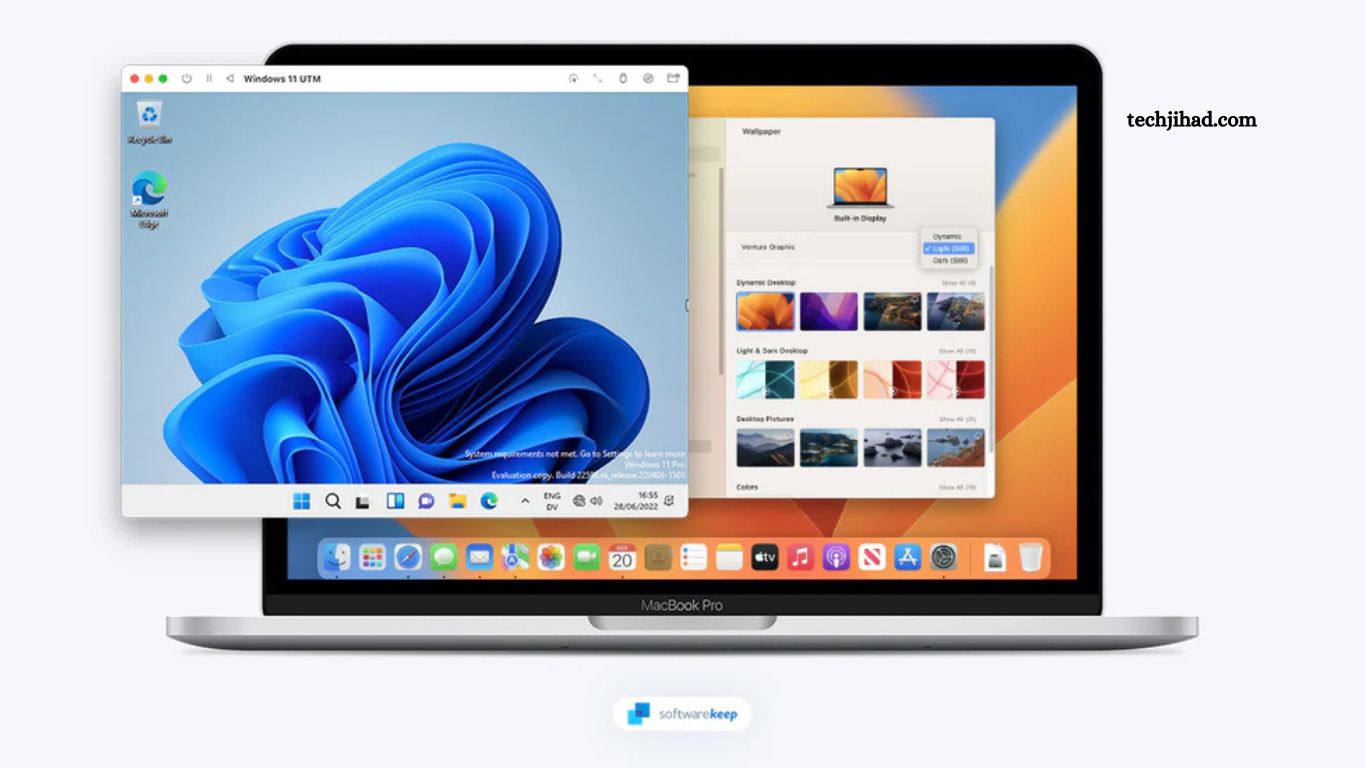
Finding reliable free software for Windows and Mac can improve productivity, security, creativity, and entertainment without increasing expenses. Many premium-quality applications now offer free versions packed with powerful features for students, professionals, creators, and business users.
This guide covers the best free software for Windows and Mac in 2026, including productivity tools, media players, security apps, design software, and utility programs.
Read More: Top 10 Useful Software You Should Use in 2026
Why Free Software Matters
Free software helps users:
- Reduce software costs
- Improve workflow efficiency
- Access professional-level features
- Enhance device performance
- Create content without subscriptions
Modern free applications often compete directly with paid alternatives, making them ideal for personal and professional use.
Best Free Productivity Software
LibreOffice
LibreOffice provides a complete office suite, including:
- Word processing
- Spreadsheets
- Presentations
- Database management
Key Features
- Microsoft Office compatibility
- Open-source platform
- Offline functionality
- Advanced editing tools
Best For
Students, freelancers, office users, and business documentation.
Notion
Notion combines note-taking, task management, databases, and collaboration tools inside one workspace.
Key Features
- Project organization
- Team collaboration
- Templates library
- Cross-platform sync
Best For
Remote teams, content creators, students, startups.
Trello
Trello simplifies task management using visual boards and cards.
Key Features
- Drag-and-drop interface
- Workflow tracking
- Team collaboration
- Productivity automation
Best For
Project managers, small businesses, and marketing teams.
Best Free Security Software
Bitdefender Antivirus Free
Bitdefender offers lightweight malware protection with excellent detection rates.
Key Features
- Real-time threat protection
- Anti-phishing security
- Minimal system impact
- Automatic scanning
Best For
Everyday users need simple security protection.
Malwarebytes
Malwarebytes helps remove malware, spyware, and ransomware threats.
Key Features
- Fast scanning
- Malware removal
- Browser protection
- Easy interface
Best For
Advanced malware cleanup and secondary security protection.
Best Free Media Software
VLC Media Player
VLC remains one of the most trusted free media players for Windows and Mac.
Key Features
- Supports nearly all formats
- Subtitle synchronization
- Streaming support
- Lightweight performance
Best For
Watching movies, music playback, and media streaming.
Spotify
Spotify Free provides access to millions of songs and podcasts.
Key Features
- Massive music library
- Playlist recommendations
- Podcast streaming
- Cross-device listening
Best For
Music lovers and podcast listeners.
Best Free Design Software
Canva
Canva allows users to create professional graphics without advanced design skills.
Key Features
- Drag-and-drop editor
- Social media templates
- Presentation design
- Brand customization
Best For
Content creators, marketers, students.
GIMP
GIMP serves as a strong free alternative to premium photo editing software.
Key Features
- Advanced photo editing
- Layer support
- Plugin compatibility
- Professional design tools
Best For
Graphic designers, photographers, digital artists.
Best Free Video Editing Software
DaVinci Resolve
DaVinci Resolve delivers professional-grade video editing tools free of charge.
Key Features
- 4K video editing
- Color correction
- Audio post-production
- Visual effects tools
Best For
YouTubers, filmmakers, video editors.
Best Free Browser Software
Mozilla Firefox
Firefox focuses heavily on speed, privacy, and customization.
Key Features
- Enhanced privacy tools
- Fast browsing speed
- Extension support
- Cross-device sync
Best For
Privacy-focused internet users.
Google Chrome
Google Chrome remains one of the fastest and most compatible browsers available.
Key Features
- Extensive extension library
- Google integration
- Fast performance
- User-friendly interface
Best For
General browsing, productivity workflows, and web applications.
Best Free Cloud Storage Software
Google Drive
Google Drive provides secure cloud storage with collaboration features.
Key Features
- File backup
- Cloud synchronization
- Document sharing
- Real-time collaboration
Best For
Remote work, document storage, and team collaboration.
Dropbox
Dropbox simplifies file sharing and cloud storage management.
Key Features
- Fast synchronization
- File recovery
- Team sharing
- Multi-device support
Best For
Business users and collaborative teams.
Best Free Utility Software
CCleaner
CCleaner helps improve computer performance by removing junk files.
Key Features
- System cleanup
- Startup optimization
- Browser cleaning
- Performance improvement
Best For
Improving system speed and storage management.
How to Choose the Best Free Software
Selecting the right free software depends on several factors:
Compatibility
Always verify Windows and Mac support before installation.
Security
Download applications only from official websites to avoid malware risks.
Features
Choose software matching workflow requirements and long-term usage goals.
User Experience
Simple interfaces improve productivity and reduce learning time.
Benefits of Using Free Software
Free applications offer several advantages:
- Lower operational costs
- Flexible accessibility
- Frequent updates
- Community support
- Cross-platform functionality
Many open-source programs also provide transparency and customization options.
Frequently Asked Questions
Which free software works best for productivity?
LibreOffice and Notion work great for productivity, document creation, and task management.
Is free software safe for Windows and Mac?
Yes, free software remains safe when downloaded from official websites or trusted sources.
Which free antivirus software offers the best protection?
Bitdefender Antivirus Free provides strong malware and phishing protection.
What free software helps with video editing?
DaVinci Resolve offers professional video editing features free of cost.
Which free media player supports all formats?
VLC Media Player supports almost every audio and video format.
What free design software works best for beginners?
Canva works perfectly for beginners, creating graphics and presentations.
Conclusion
Choosing the best free software for Windows and Mac helps users improve productivity, creativity, security, and entertainment without spending money. Tools like LibreOffice, VLC Media Player, Canva, and DaVinci Resolve deliver professional performance with powerful features completely free. Selecting trusted software from official sources ensures better security,
